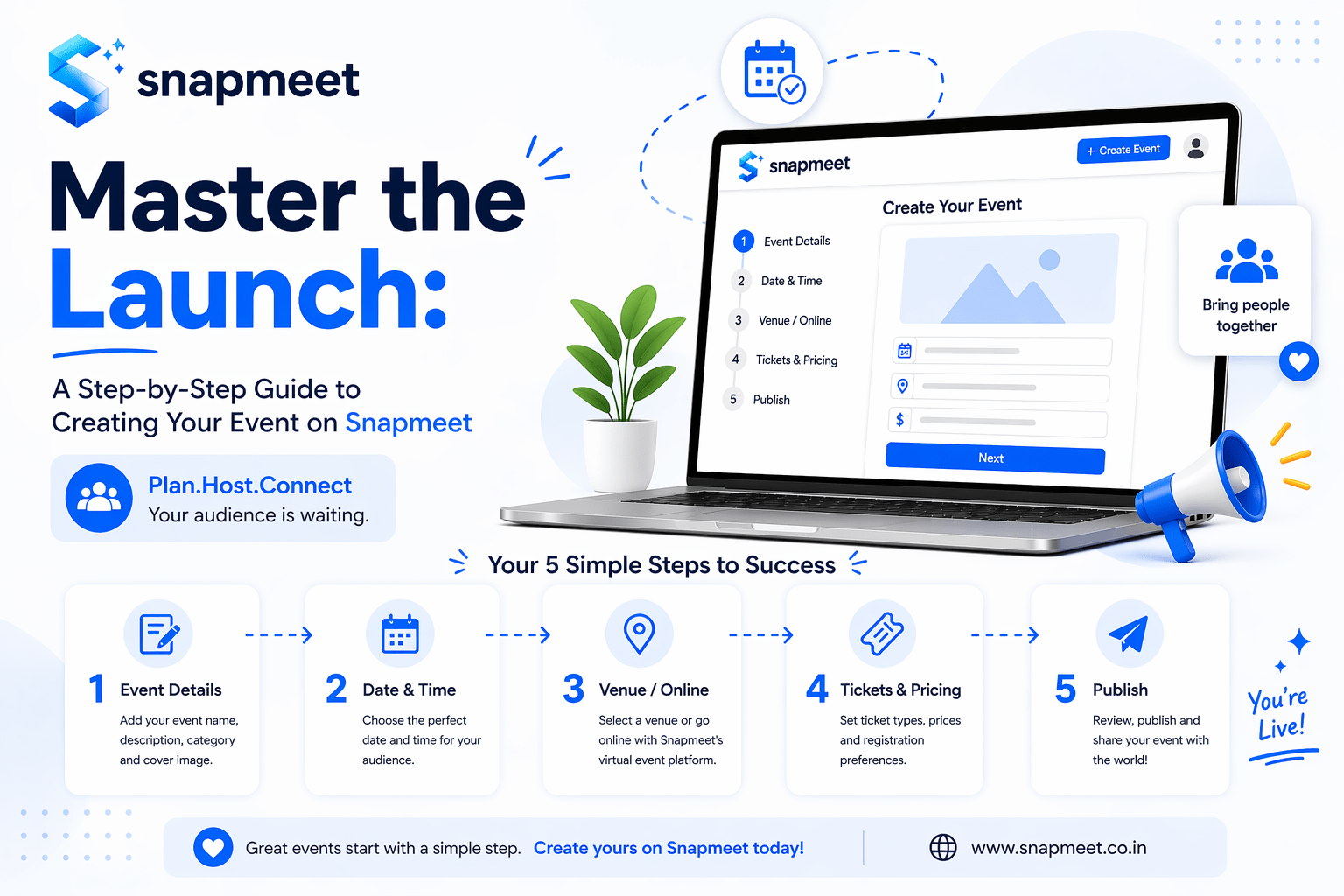
So, you’re ready to host an event? Whether it's a global virtual summit, a local community meetup, or a high-energy hybrid workshop, Snapmeet is built to handle the complexity so you can focus on the content.
In this guide, we’ll walk you through the Snapmeet Event Creation Flow—from the first draft to the final "Publish" button.
---
STEP 1: THE FOUNDATION (BASIC INFO)
Your event page is your digital storefront. Snapmeet’s engine is designed to be high-fidelity and secure.
1. Compelling Title: Keep it clear and professional.
2. Detailed Description: Describe the "Why" behind your event. Snapmeet ensures your description looks professional on both mobile and desktop.
3. The Discovery Category: Choose from 29+ specialized categories (e.g., Startup & Pitch, Hackathon, Health & Wellness). Our Nexus Mesh algorithm uses this to suggest your event to interested users.
4. Branding: Upload your Organizer Logo and a high-resolution Poster Image (16:9 aspect ratio recommended).
---
STEP 2: CHOOSE YOUR FORMAT (MODE)
Snapmeet supports three distinct modes of interaction. Choose the one that fits your logistics:
1. Offline (Physical):
* Enter the Venue Address.
* Pro Tip: Paste a Google Maps Link. Snapmeet will instantly "snatch" the coordinates. This enables our Smart Attendance system, allowing geo-fenced check-ins only for users physically at your venue.
2. Online (Virtual):
* Provide your Event Link (Zoom, Meet, etc.).
* Security Note: This link is protected and only revealed to attendees after they successfully register.
3. Hybrid:
* Provide both the Map Link and the Online Link. Snapmeet will give your attendees the choice of how they want to participate.
---
STEP 3: TICKETING & PRICING (THE "STEEL WALL" LOGIC)
This is where you define how people join your event. Snapmeet offers two powerful ways to manage attendance:
Option A: Standard Registration
Best for simple events where you just need an attendee count.
* Free Events: Set the registration type to "Free."
* Paid Events: Set the type to "Paid" and enter a flat Registration Fee.
Option B: Tiered Ticketing (Professional Grade)
Best for conferences or festivals with different access levels (e.g., VIP, Early Bird).
* Check the "Has Tickets" box.
* Add your Ticket Tiers: For each tier, set a Name, Quantity, and Price.
* Note: If your event is marked "Free," all ticket prices will be locked at ₹0.
---
STEP 4: CUSTOMIZATION & DATA COLLECTION
Don't settle for a generic page. Make it yours:
1. Custom Info Fields: Add sections for your Agenda, Speakers, or FAQs. These appear as professional detail cards on your event page.
2. Custom Registration Forms: Need more than just a name? Build your own form inside Snapmeet. You can add fields for:
* Phone numbers and Emails.
* Dropdown menus for choices.
* File Uploads: Integrated directly with your Google Drive for secure document collection.
---
STEP 5: THE PREVIEW & LAUNCH PHASE
Before your event goes live, you enter the Snapmeet Preview Engine.
1. The Visual Audit: Check how your event looks on mobile. Ensure your map is accurate and your ticket tiers are correct.
2. Security Check: Snapmeet won't let you publish unless you have an "Attendee Data Source" (either a Ticket or a Registration Form).
3. Publication: To keep the platform premium and spam-free, a small publication fee is required:
* Indian Events: ₹500 (via Razorpay).
* International Events: $25 (via PayPal).
* Got a Coupon? You can apply it here for discounts or even 100% free publishing!
---
STEP 6: LIFE AFTER LAUNCH
Once you hit "Publish," your event is live!
* Manage Events: Track your registration conversion rates and views in real-time.
* Networking Lounge: Your event’s Nexus Lounge automatically opens 24 hours before the start time, allowing your attendees to start matching and chatting.
Ready to bring people together? Start creating your event on Snapmeet now!


