



26
Oct
Snapmeet is an event management and ticketing platform in India that helps organizers create, manage, promote and sell tickets for events, while attendees can discover and book events online.
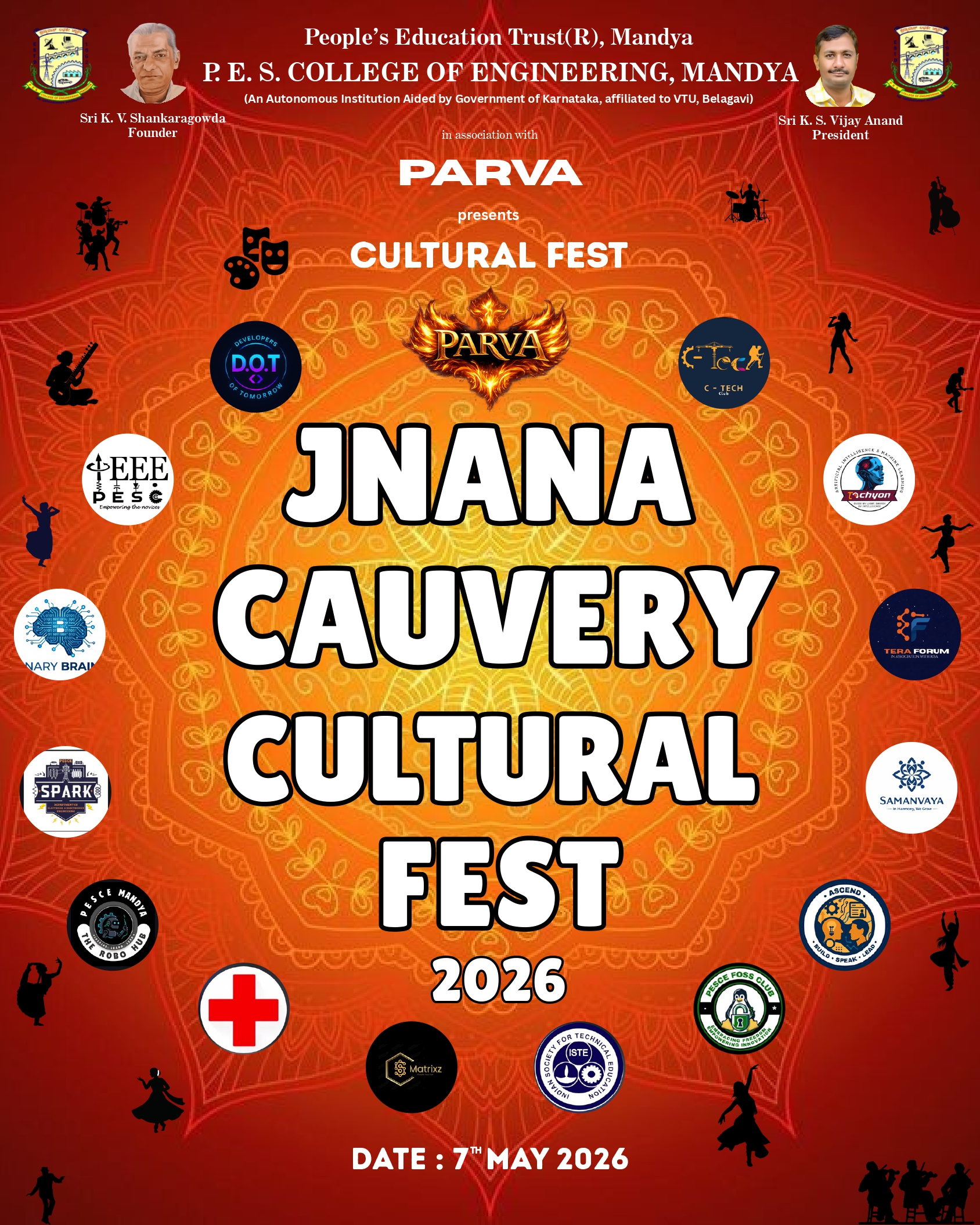
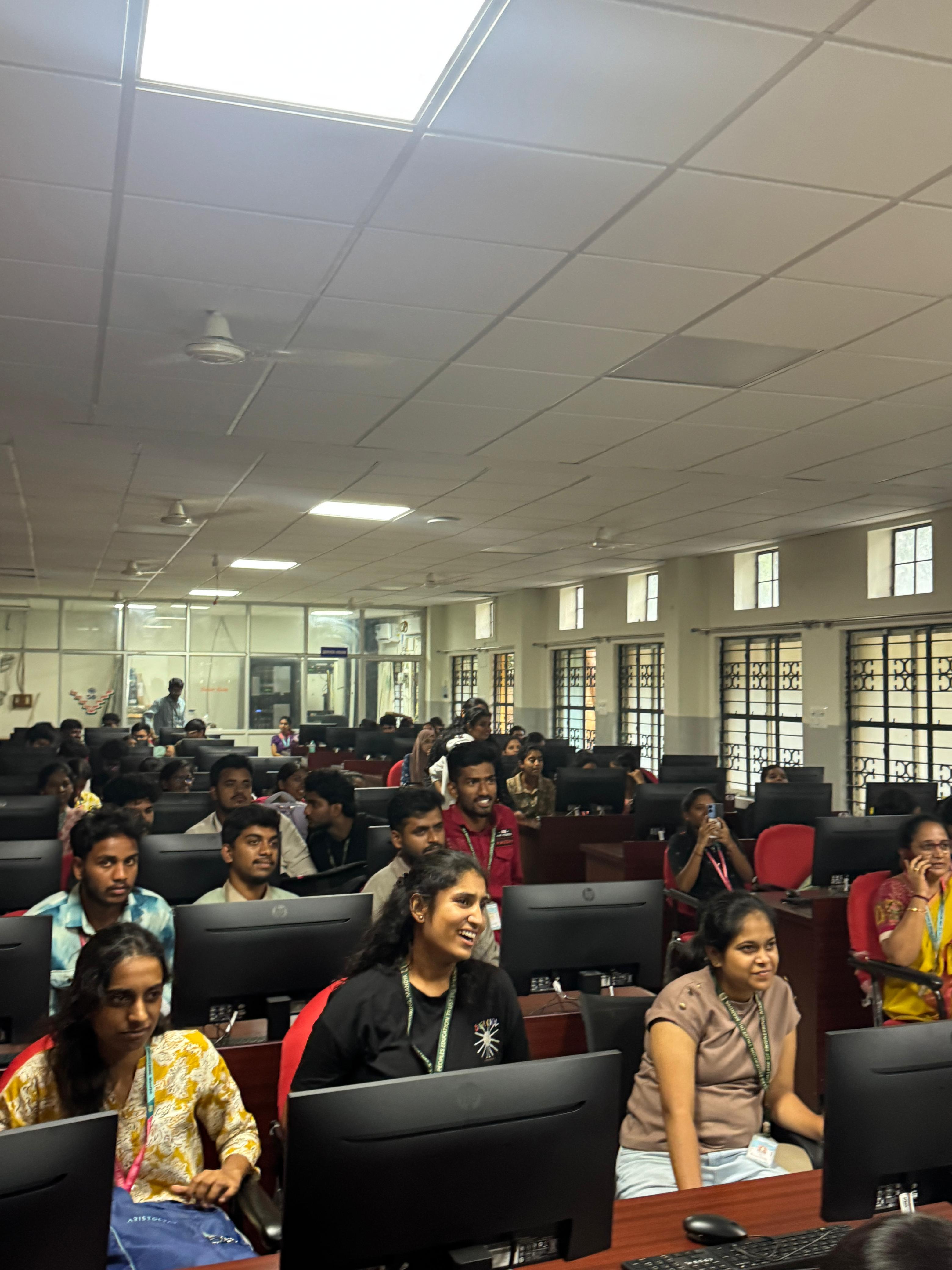
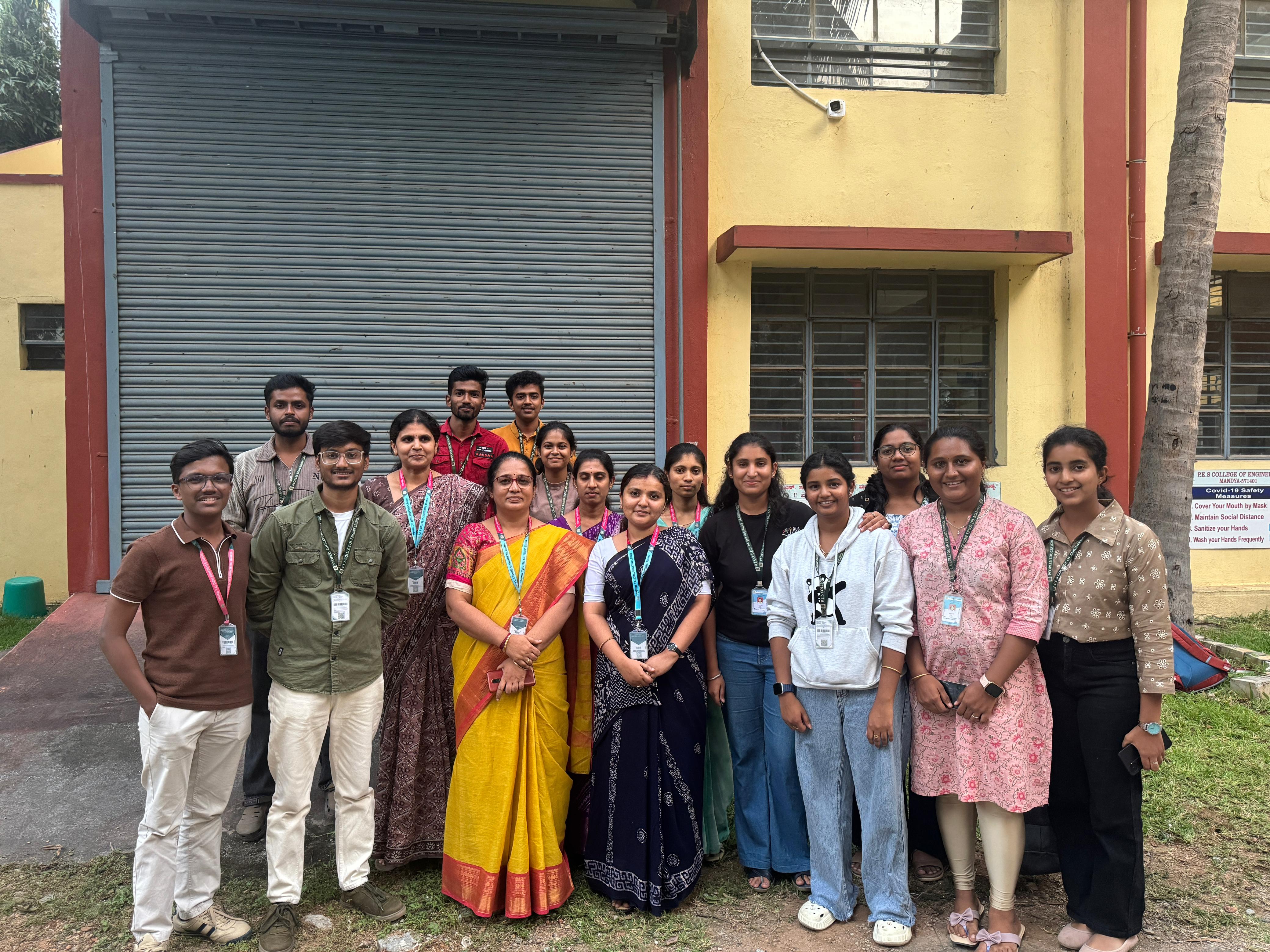
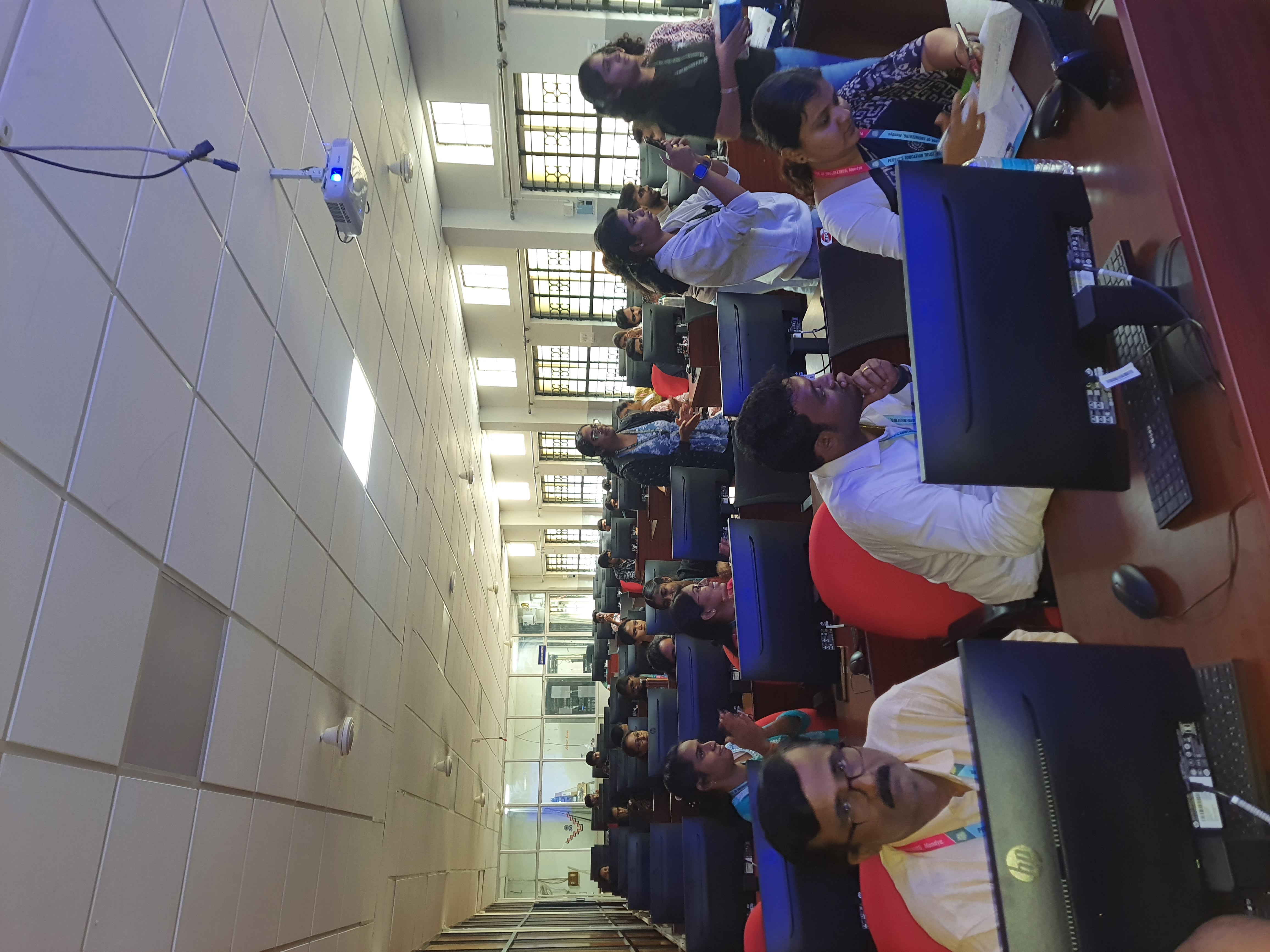
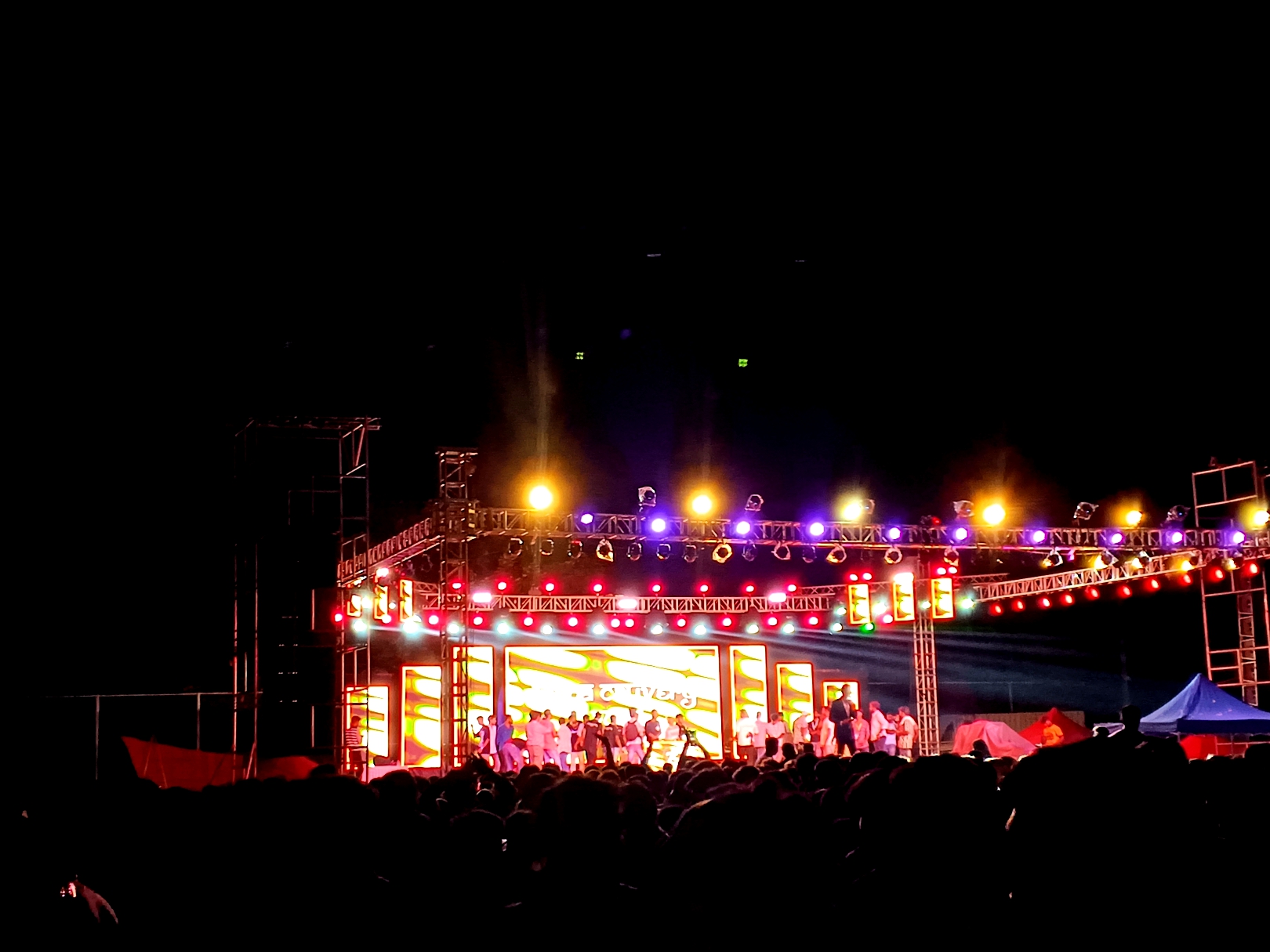
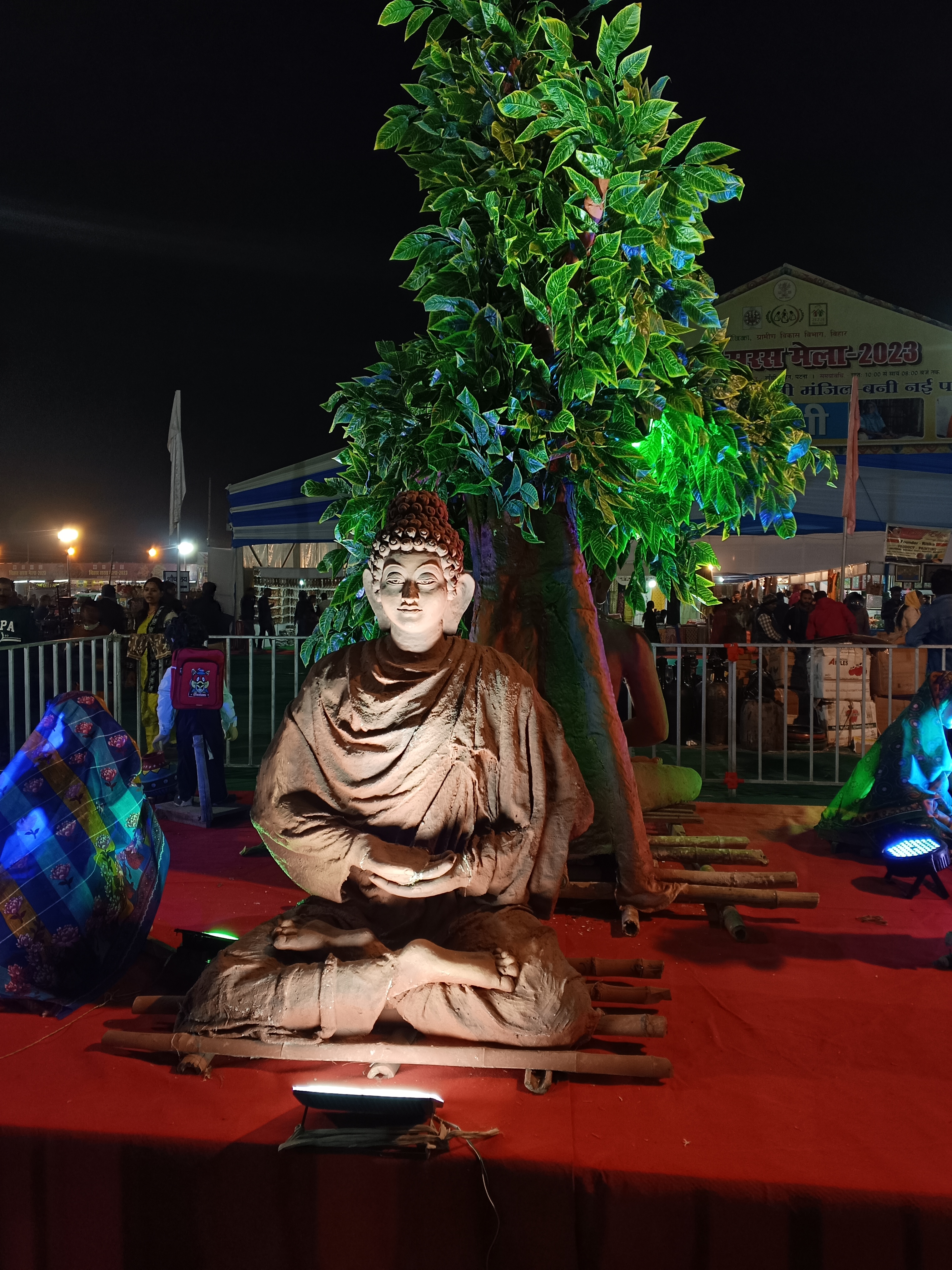
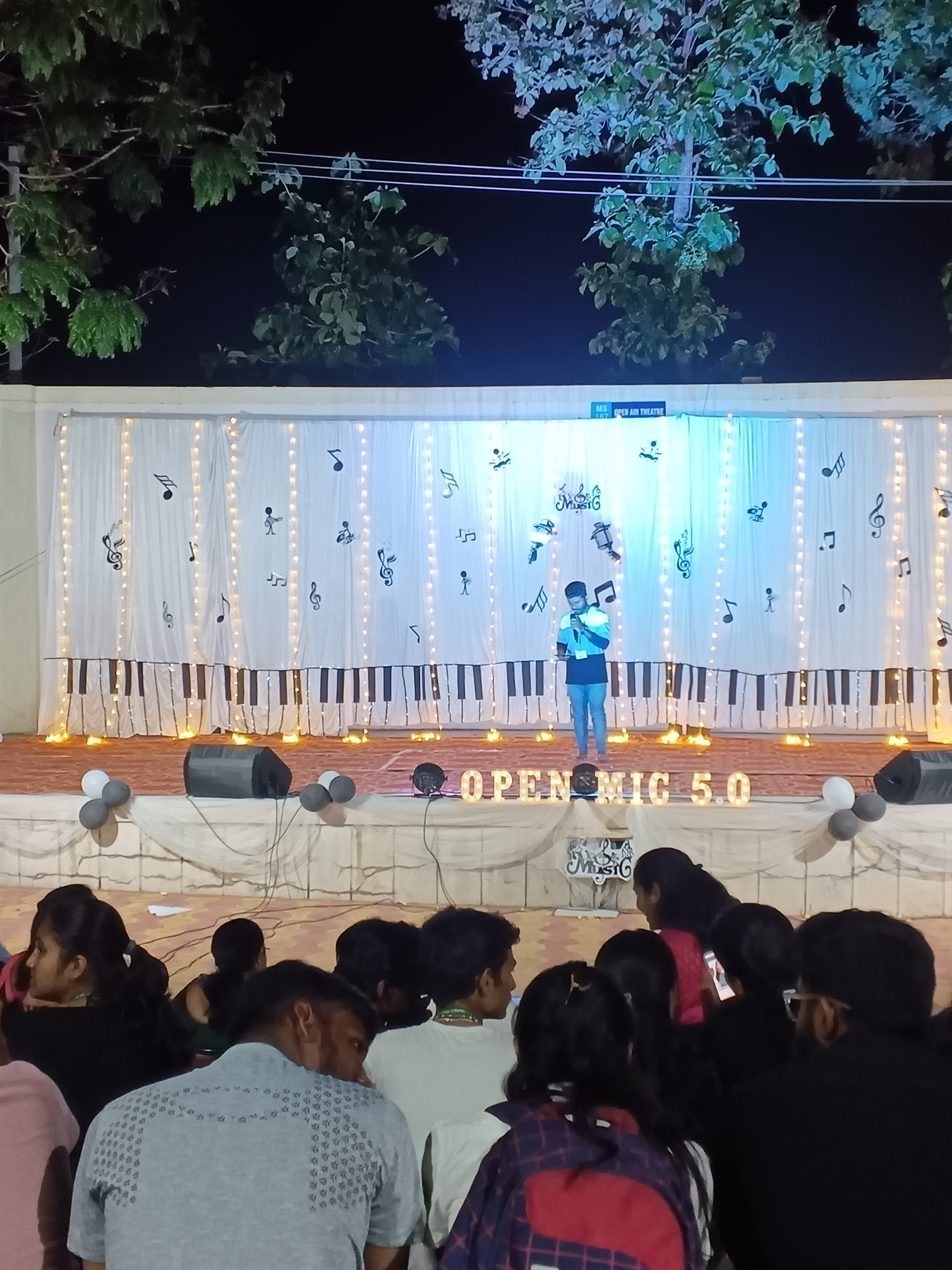
A glimpse into the shared moments and extraordinary experiences of our community.
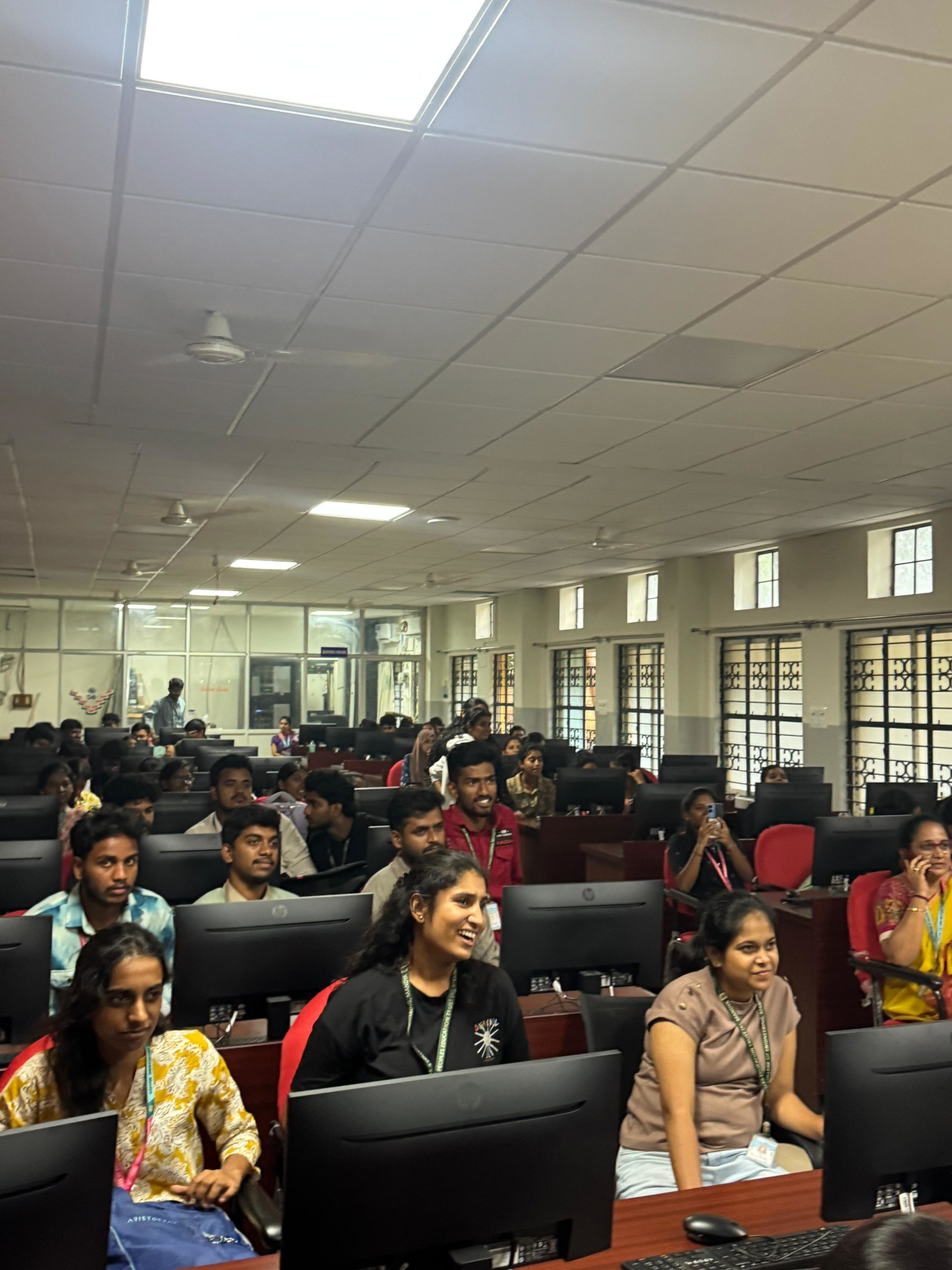
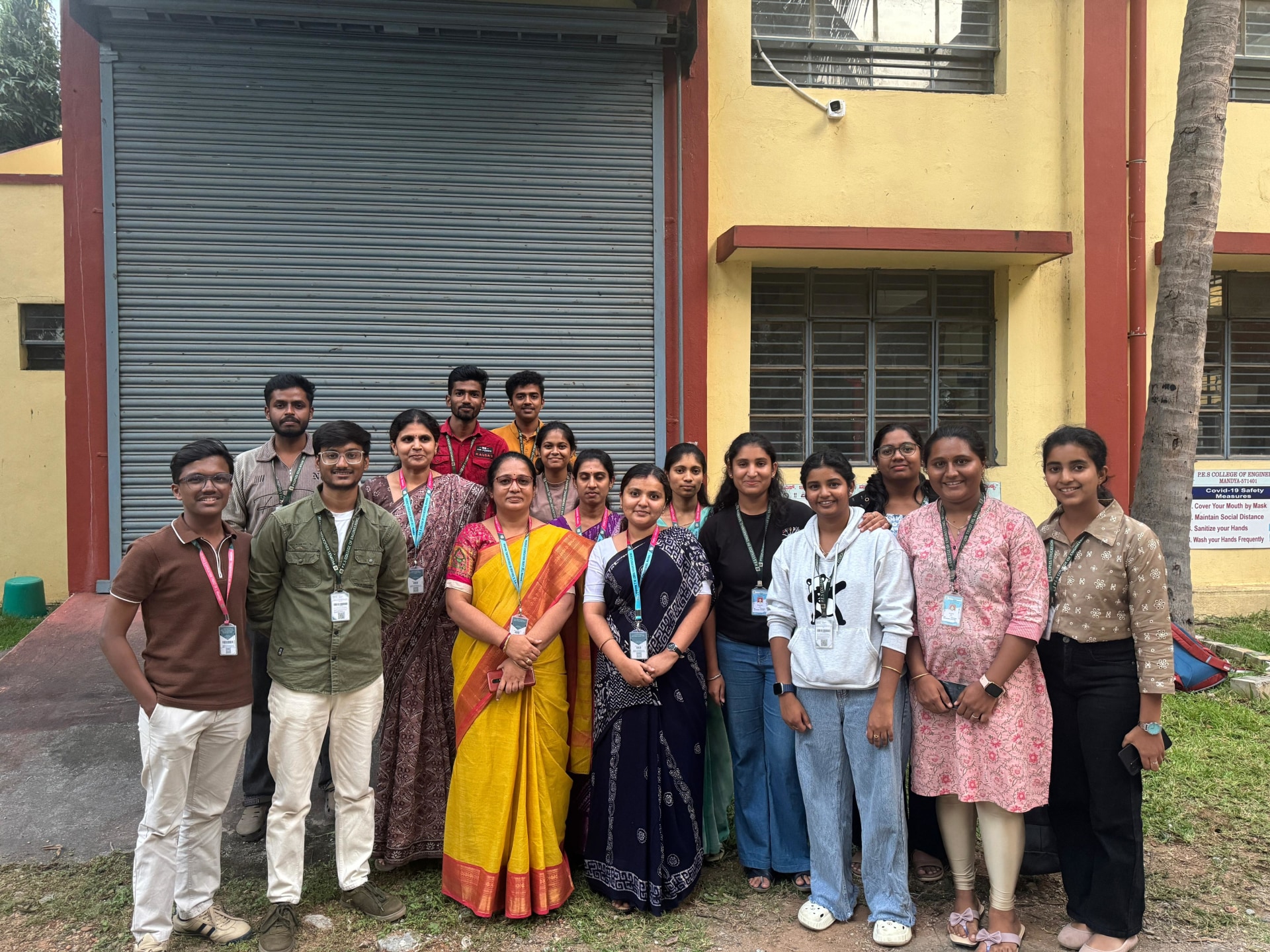
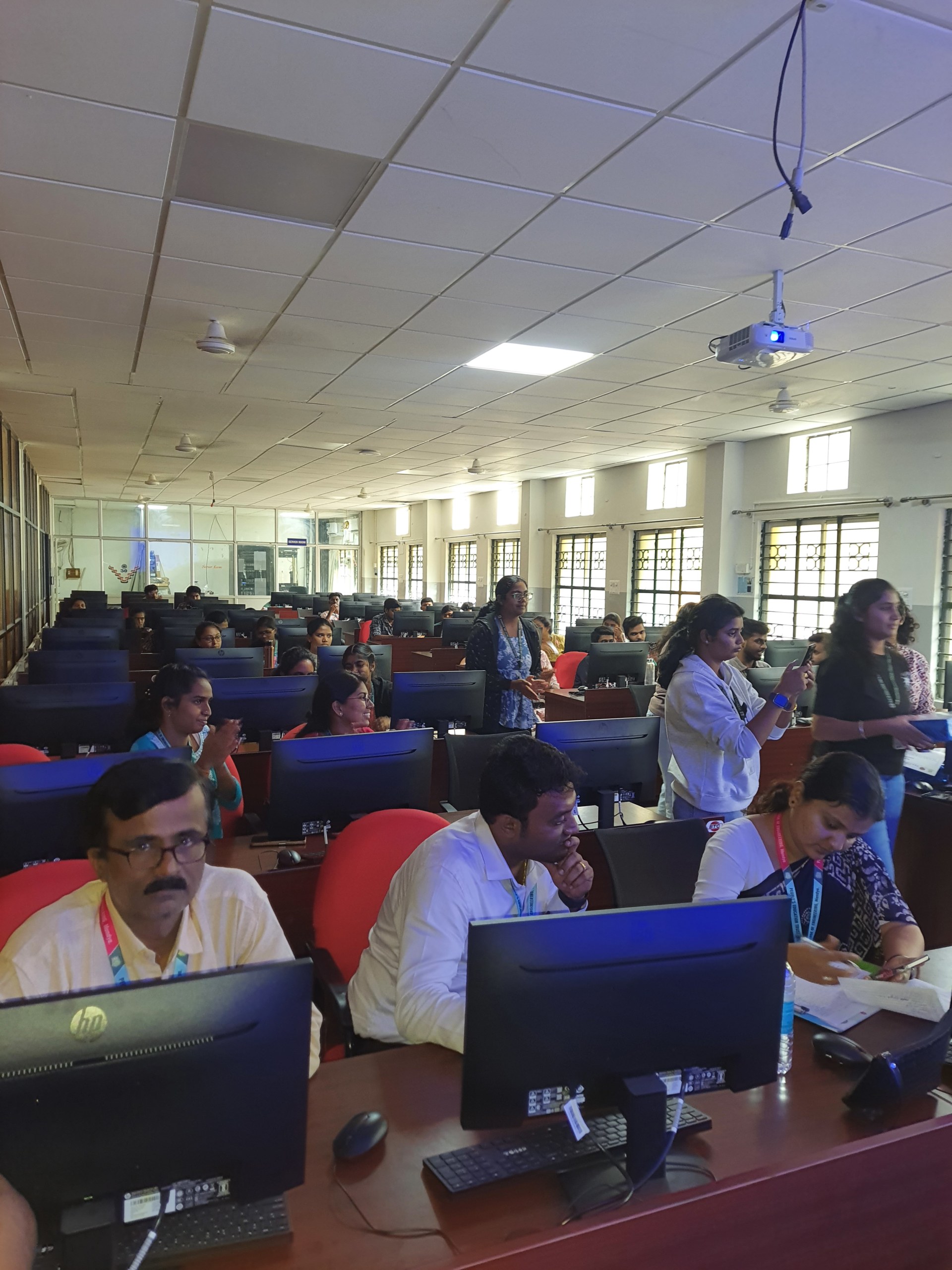
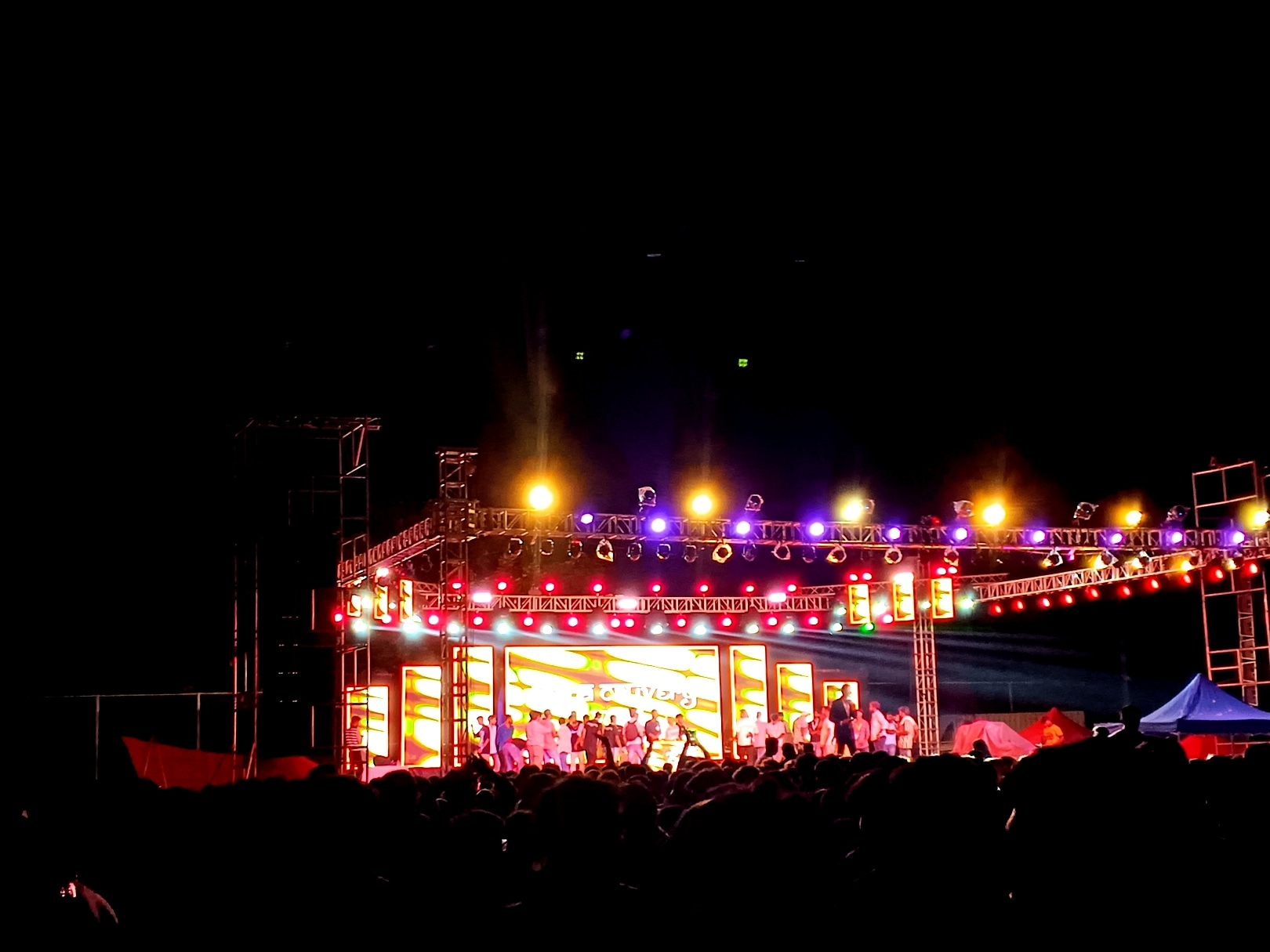
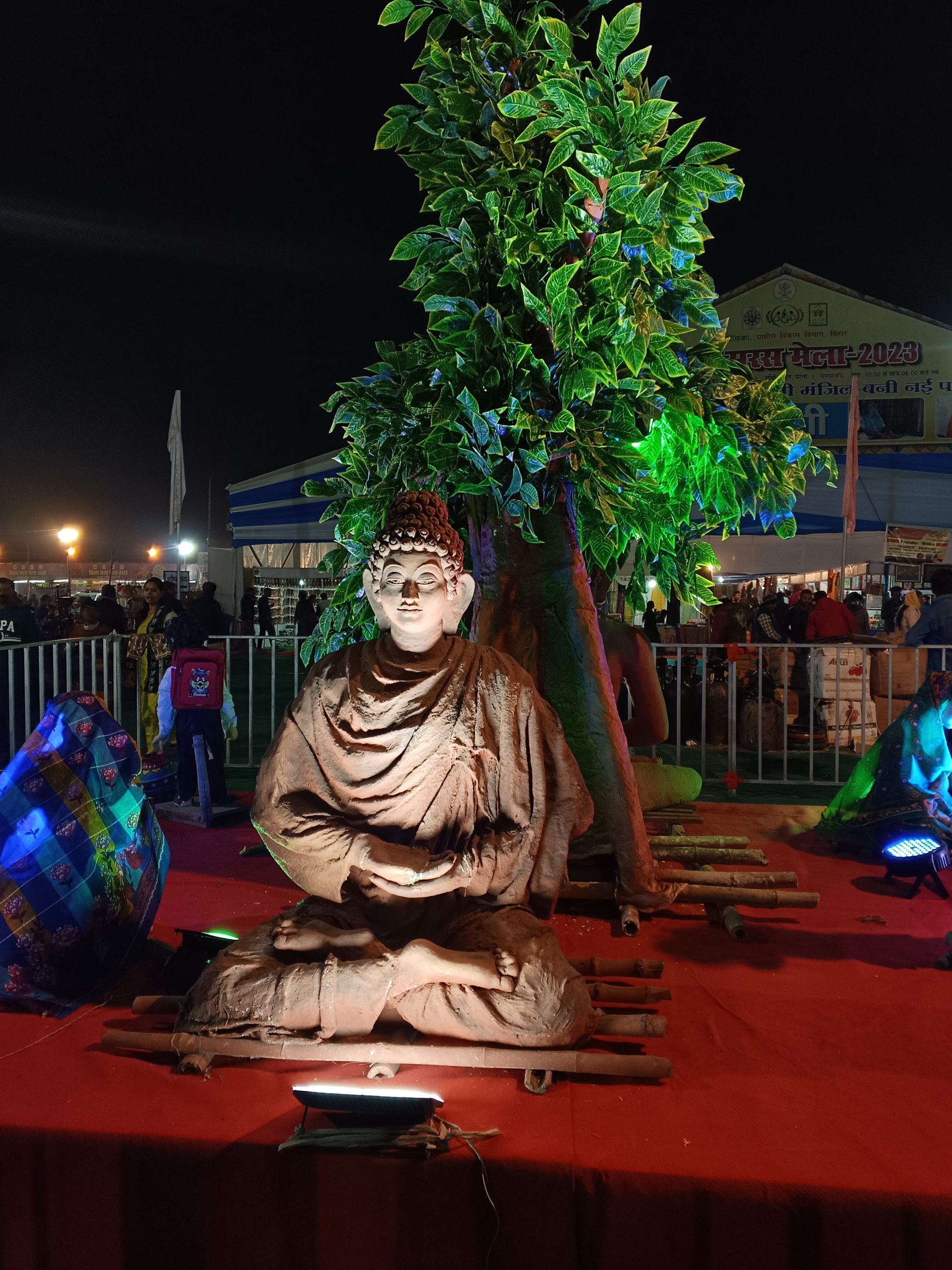
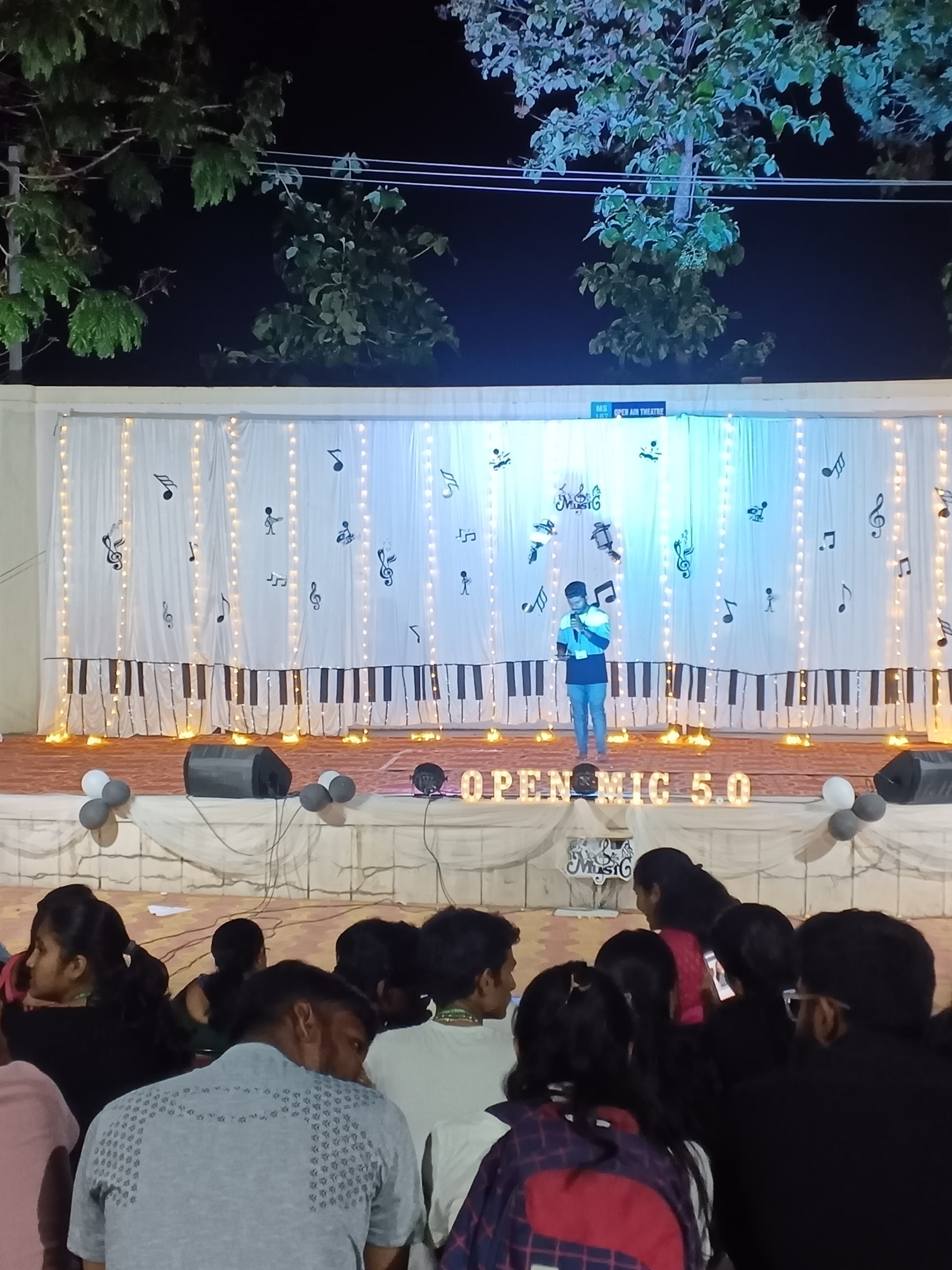

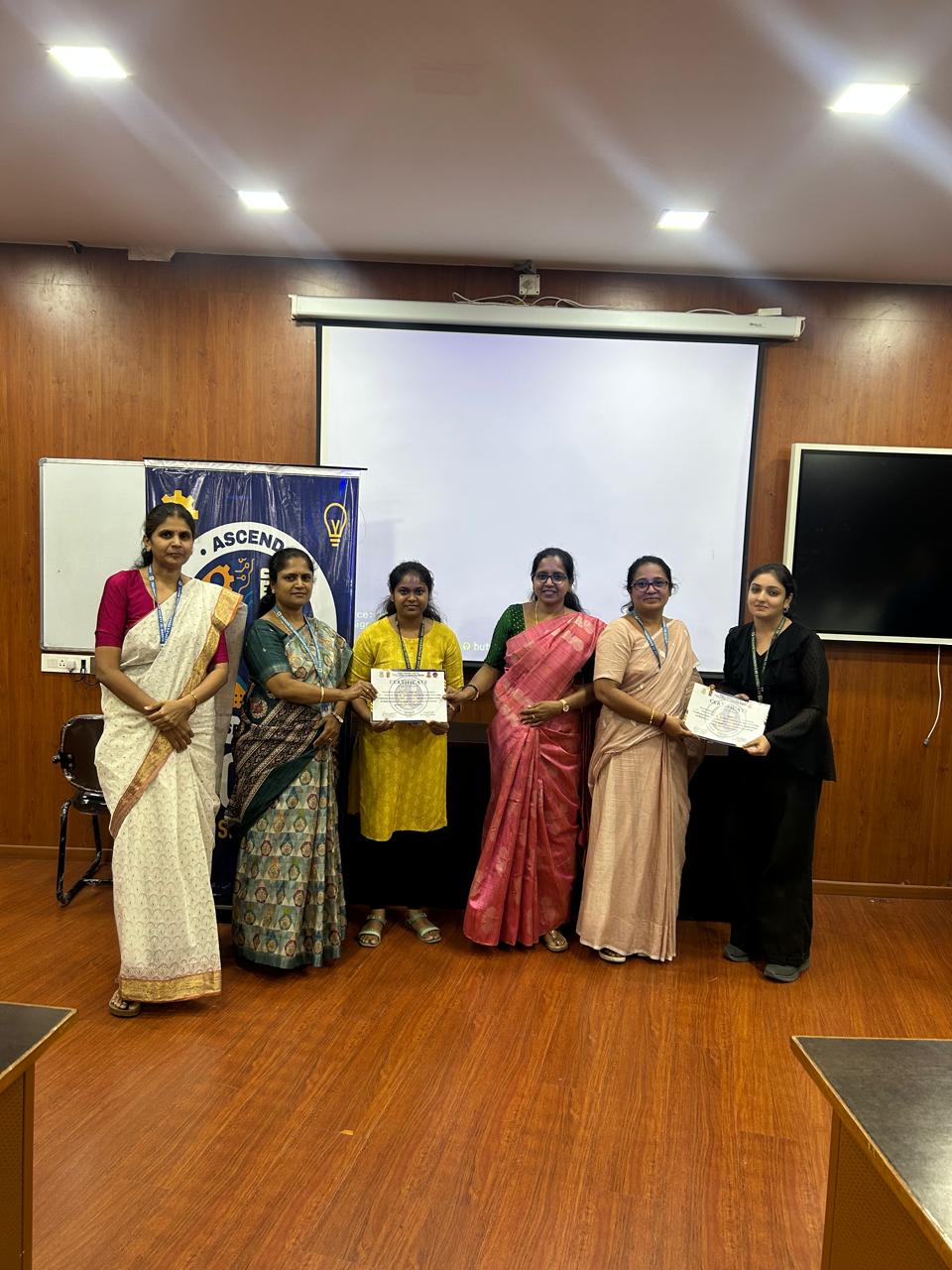
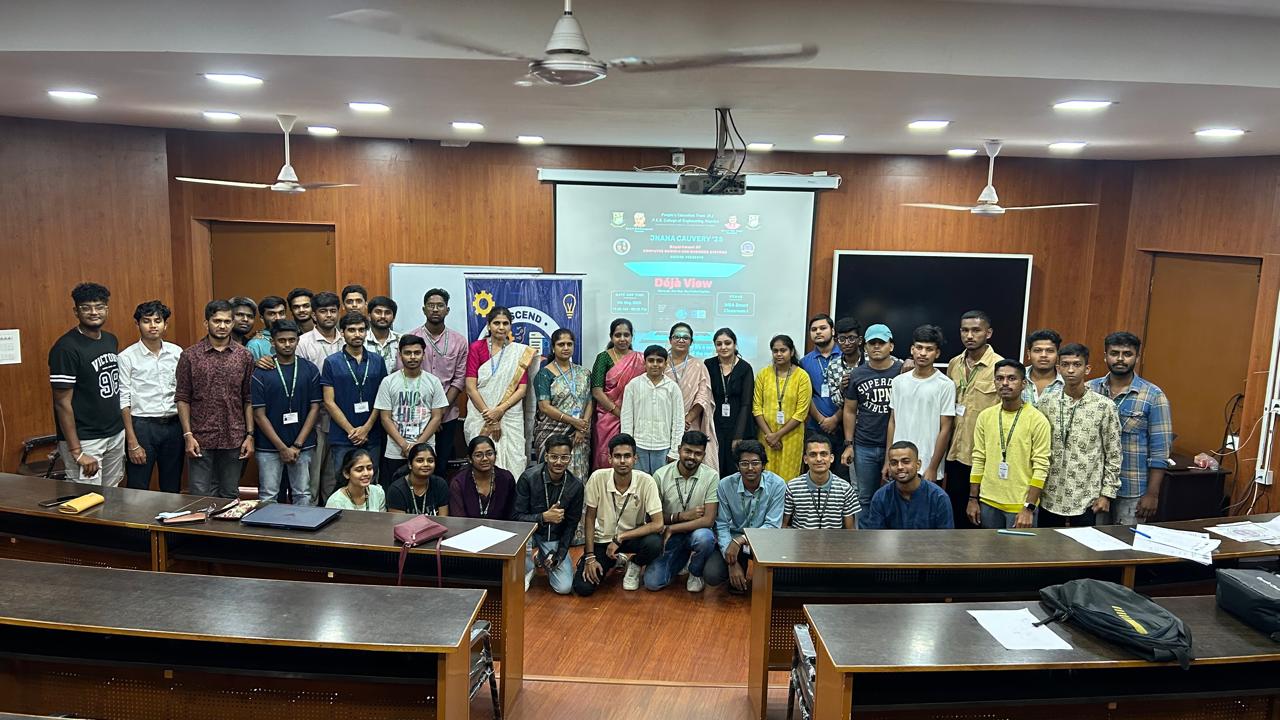
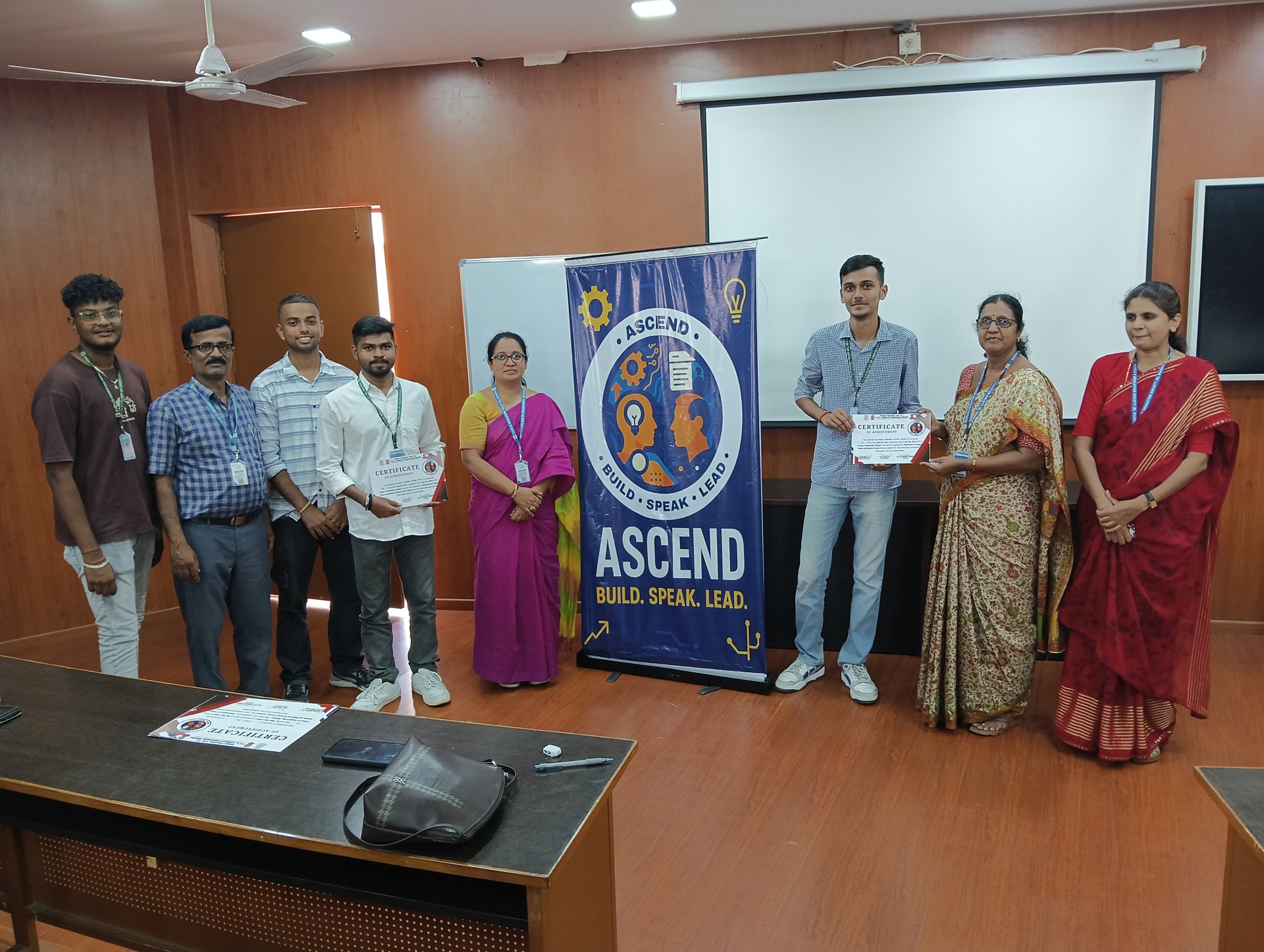
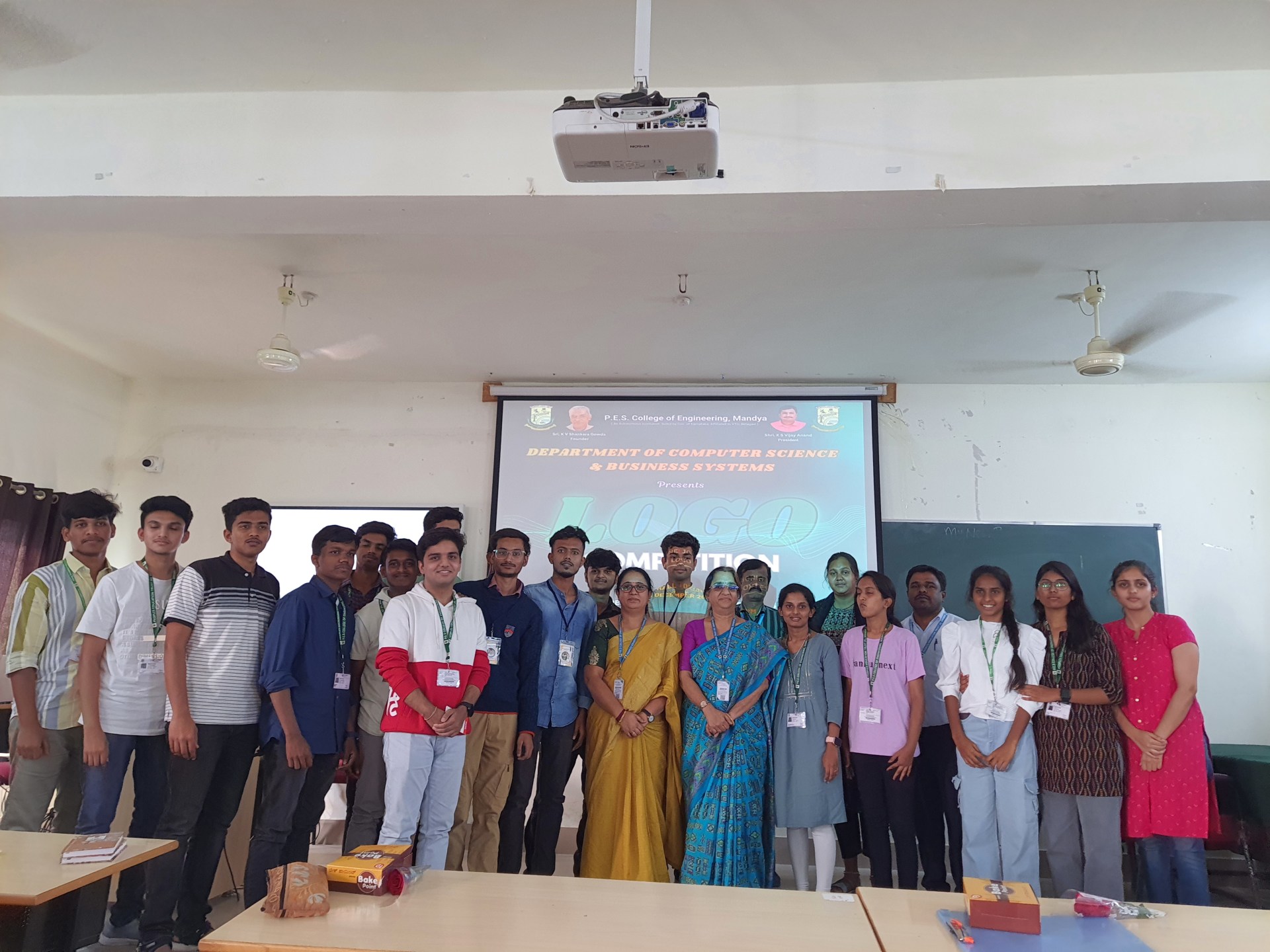

Hackathons are one of the best ways for a college to bring builders, designers, and problem-solvers together. They are also easy to get wrong. Late permissions, messy team registrations, and long entry queues can derail even a great idea. This guide walks you through how to organize a hackathon in India, from choosing a theme to announcing winners. If you are planning a larger fest, you can also read our Complete Guide to Hosting College Events in India. 1. Define the Goal, Theme, and Format Start with three decisions: Goal: Skill-building, a product challenge for a sponsor, or the flagship event of your tech fest? Theme: An open theme, or tracks such as AI/ML, healthtech, fintech, or sustainability. Tracks make mentoring and judging easier. Format: Online, offline, or hybrid, and 12, 24, or 48 hours. For a first-time event, a 24-hour offline hackathon is the easiest to manage. 2. Set Team Size and Eligibility Decide who can participate (your college only, inter-college, or open to all) and how large teams can be. Teams of two to four work well. Publish these rules on your event page so participants know exactly what to expect. 3. Build a Realistic Budget Typical hackathon costs include: Venue, power backup, extension boards, and reliable Wi-Fi Food and water for the full duration Prizes, certificates, and swag Mentor and judge hospitality Marketing and printing Keep 10 to 15 percent aside as a contingency. Sponsors often cover prizes or food, so prepare a short deck with expected participation, audience profile, and branding options. 4. Get Approvals Early Get written approval from your college administration. For overnight events or outside participants, also check security, hostel, and venue-access requirements. Start at least four to six weeks before the event, since approvals often take longer than expected. 5. Set Up Registration the Right Way Hackathon registration needs more than a name and email. You will usually want: Team name and member details College and department Phone numbers Track or problem statement preference A resume, idea document, or GitHub link A platform with custom registration forms keeps all of this in one place. On Snapmeet, organizers can add custom fields such as dropdowns and phone numbers, collect file uploads through Google Drive, and publish free events with 0% platform fees. 6. Line Up Mentors and Judges Good mentors are what participants remember most. Invite industry professionals, alumni, and faculty, and schedule mentoring slots at fixed times so teams know when help is available. Share your judging criteria before the event begins. A simple structure: Innovation: 25% Technical complexity: 25% Real-world impact: 20% Feasibility: 15% Presentation and demo: 15% 7. Promote Before Registrations Close Use a simple timeline: 3 to 4 weeks before: Announce the theme, prizes, and registration link. 2 weeks before: Reveal mentors, judges, and sponsors. Final week: Run countdown posts and last-call reminders. Instagram reels, WhatsApp groups, LinkedIn, and campus ambassadors work best for student audiences. Make sure every post links directly to your registration page. 8. Run a Smooth Event Day Check-in: Queues at the entrance set the tone for the whole event. QR-based check-in lets volunteers verify participants in seconds. SnapScanner, Snapmeet's check-in app, supports offline-capable QR scanning, which is useful when campus Wi-Fi is unreliable. Run of show: Share one timeline with every volunteer, covering the opening, mentoring rounds, mid-point check-ins, submission deadline, demos, and results. Backup plans: Prepare for power cuts, internet failures, and last-minute judge cancellations. 9. Close Out Properly Announce results, distribute certificates, and thank your sponsors, mentors, and volunteers. Share photos and highlights within 24 to 48 hours, while engagement is high. Collect feedback from participants and your core team, and keep your notes as next year's playbook. Hackathon Planning Checklist Before the event ☐ Goal, theme, and format finalized ☐ Approvals received ☐ Budget and sponsors confirmed ☐ Registration form live ☐ Mentors and judges confirmed ☐ Promotion timeline running Event day ☐ QR check-in tested ☐ Wi-Fi, power, and food ready ☐ Volunteers briefed ☐ Judging sheets ready Frequently Asked Questions How long should a college hackathon be? Most hackathons run between 12 and 48 hours. For a first event, 24 hours balances ambition with manageable logistics. How much does it cost to organize a hackathon in India? It depends on scale, venue, and prizes. Food, power, and prizes are usually the biggest costs, and sponsors can offset a large share. What should a hackathon registration form include? Team name, member details, college, contact numbers, track preference, and optionally a resume or idea submission. Can I host a free hackathon on Snapmeet? Yes. Free events can be published on Snapmeet with 0% platform fees. For paid events, see the Pricing page. How do I manage entry at a large hackathon? Use QR-based tickets and scan them at the entrance. Offline-capable scanning helps if connectivity is weak. Ready to Host Your Hackathon? Create your event on Snapmeet to collect team registrations, manage participants, and speed up entry with QR check-in. Create Your Event on Snapmeet
Read Journal arrow_forward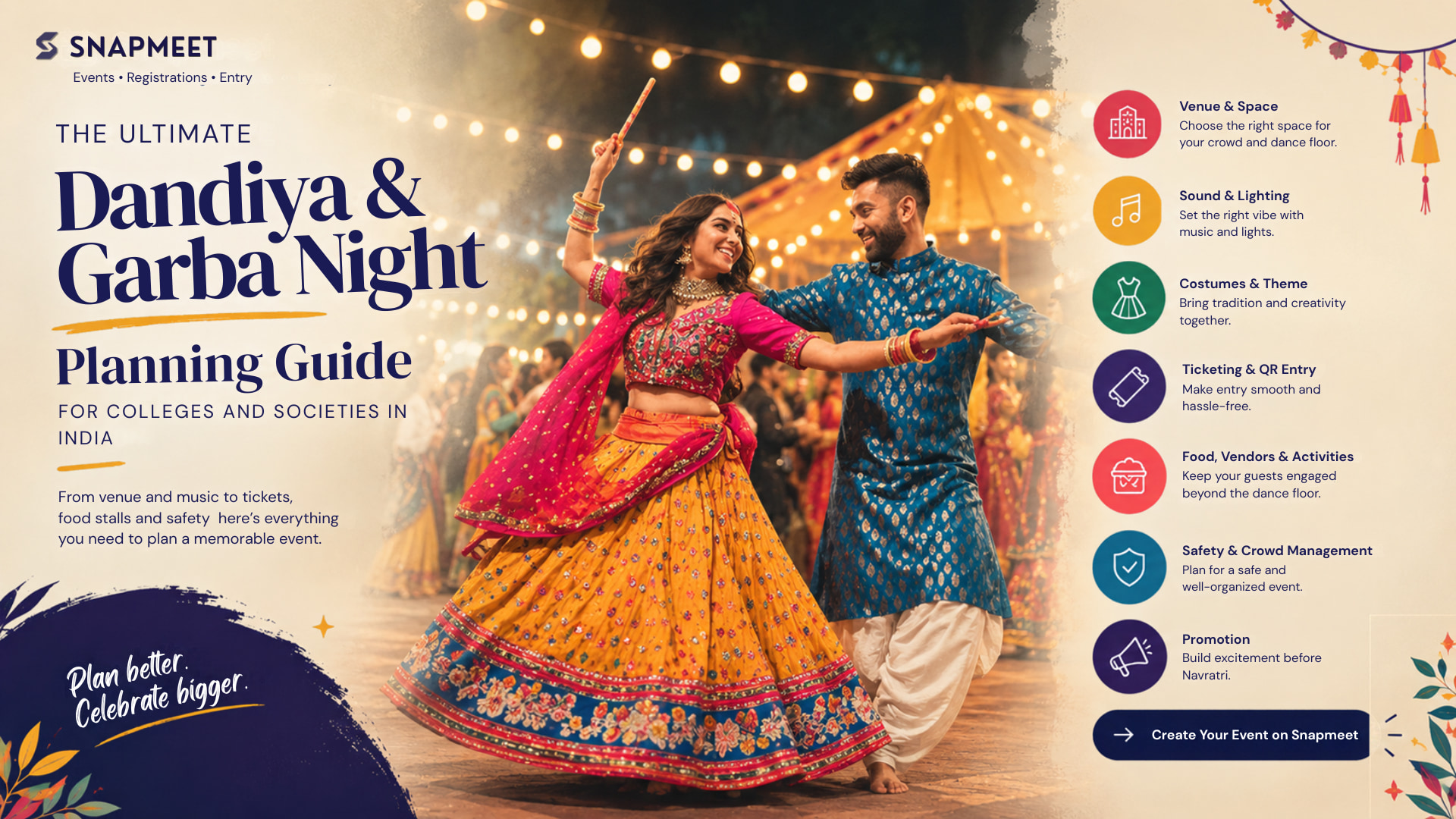
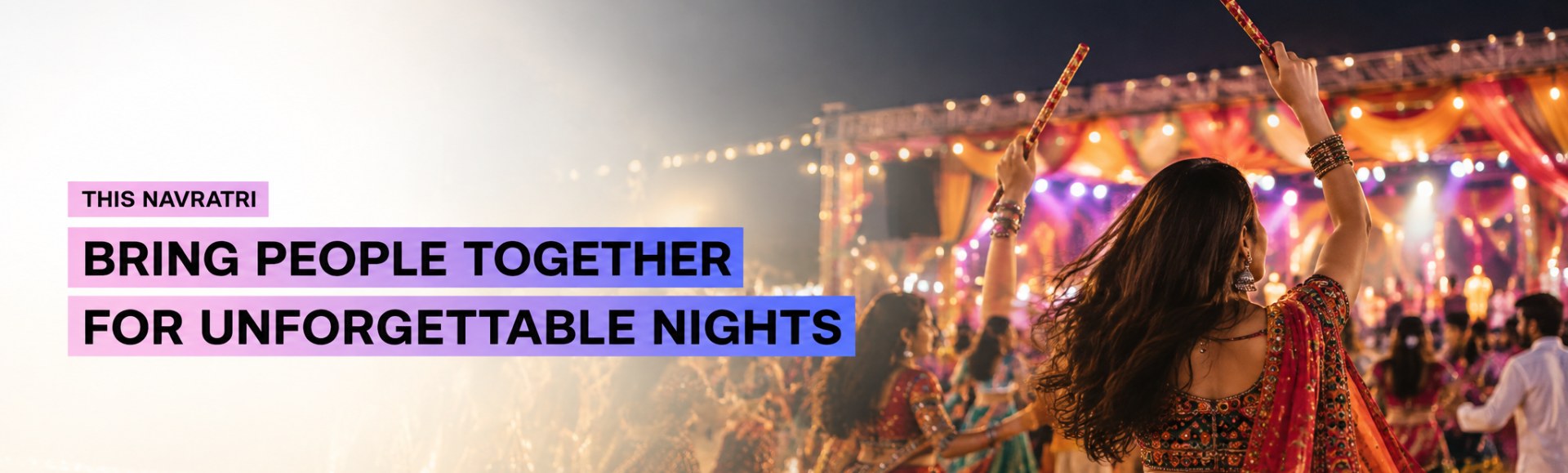
Dandiya and Garba nights are some of the most energetic events on the college and community calendar. But organizing one involves more than choosing music and decorating the venue. From managing a large moving crowd to planning tickets, food stalls, costumes, and promotion, every detail needs to come together. If you're planning a Dandiya or Garba night for a college, society, or community in India, this guide covers the essentials to help you plan a smooth and memorable event. Why Dandiya and Garba Events Need Special Planning Unlike a regular cultural event, Dandiya and Garba involve continuous movement, high-energy music, and large crowds arriving within a short period. Your planning should therefore account for: A spacious dance area Separate entry and exit points Sound and lighting Online registration and ticketing Crowd management Food and activity stalls Safety and first aid Promotion before Navratri Planning these elements early can make the event much easier to manage on the actual day. 1. Choose the Right Venue The venue is one of the most important decisions when planning a Dandiya night. Look for an open ground, large hall, banquet lawn, or college space with enough room for circular dancing. Don't calculate capacity based only on the total venue size. You also need space for the stage, food stalls, entry and exits, equipment, and emergency access. Before confirming the venue, check: Expected capacity Dance-floor space Entry and exit points Parking and washrooms Electricity and backup power Sound restrictions Weather backup for outdoor events Required permissions For outdoor Garba events, having an alternative arrangement for unexpected rain is especially important. 2. Plan Sound, Lighting and Music Music is the heart of a Garba or Dandiya night, so your sound setup needs to cover the entire dance floor. Depending on the venue, use an appropriate speaker arrangement rather than placing all the sound equipment in one location. Test the sound from different parts of the dance floor before the event begins. For lighting, combine functional lighting with festive elements such as string lights, uplights, and moving lights. Your playlist can also build energy throughout the evening: Start: Traditional Garba tracks Middle: Faster Garba and Dandiya songs Peak: High-energy Dandiya beats and popular Garba remixes Include short breaks so attendees can rest, get refreshments, and visit stalls. 3. Decide the Dress Code and Event Theme Costumes are a major part of the Garba experience and can also make your event more visually engaging. Encourage traditional outfits such as Chaniya Choli, Kediyu, and other ethnic wear. If you're organizing multiple Navratri events, you can introduce a different colour theme for each day. You can also add simple activities such as: Best Dressed Best Traditional Look Best Group Outfit Couple or Group Competitions Mention the dress code clearly on your event page and social media posts so attendees know what to expect. 4. Make Ticketing and Entry Simple Large Dandiya events can attract hundreds or even thousands of attendees, making manual registration and paper-based entry difficult. An online event registration platform can help you manage: Event registrations Ticket sales Attendee information Capacity limits Digital tickets QR-based check-in QR-based entry is particularly useful because volunteers can scan tickets quickly instead of manually checking names or collecting paper passes. Manage Your Dandiya Event with Snapmeet With Snapmeet, organizers can create their event, collect registrations and tickets, and use QR-based check-in at the venue. Real-time registration information can also help organizers estimate attendance and plan volunteers, stalls, and other event requirements. Planning a Dandiya or Garba night? Create your event on Snapmeet and manage registrations and entry from one place. 5. Plan Food Stalls and Other Activities Food stalls can add another layer to the event experience while creating an additional revenue opportunity for organizers. Depending on your audience, consider options such as: Chaat Dabeli Snacks Desserts Falooda Beverages Keep stalls around the edges of the venue so they don't interfere with the dance floor. You can also add photo booths, traditional games, competitions, or themed activity areas to make the event more engaging and encourage attendees to share their experience online. 6. Don't Overlook Safety and Crowd Management A Dandiya night involves continuous movement, so crowd management should be planned before tickets go on sale. Assign volunteers or security personnel to: Entry and exit points Dance-floor areas Food stalls Parking areas First-aid points Keep emergency exits clear and make sure attendees can easily identify them. Organizers should also check applicable venue rules, crowd limits, sound restrictions, and local permission requirements well in advance. 7. Start Promotion Before Navratri Dandiya and Garba events have a limited seasonal window, so starting promotion early can help build registrations before the event date. 3–4 weeks before Announce the event Reveal the venue Launch early-bird tickets Publish the registration link 2 weeks before Reveal the dress code Announce the DJ or performers Showcase food and activities Promote group registrations Final week Start countdown posts Share reels and stories Remind people about ticket deadlines Highlight remaining tickets Share event timings and venue details Make sure every promotional post has a clear link to registration or ticket booking. Dandiya Night Planning Checklist Use this quick checklist while planning your event: Before the event ☐ Finalize venue and capacity ☐ Set the event budget ☐ Confirm DJ, performers, sound and lighting ☐ Open online registrations ☐ Finalize food and other vendors ☐ Arrange volunteers and security ☐ Plan promotions ☐ Check permissions and safety requirements Event day ☐ Test sound and lighting ☐ Set up QR check-in ☐ Brief volunteers ☐ Keep entry and exits clear ☐ Check first-aid arrangements ☐ Confirm vendor setup ☐ Monitor crowd movement Frequently Asked Questions How do you organize a Dandiya night in college? Start by finalizing the venue, expected attendance, budget, music, ticket pricing, safety arrangements, and promotion plan. Set up online registration early and prepare a clear event-day checklist for volunteers, vendors, security, and entry. How much space is needed for a Dandiya or Garba night? It depends on the expected attendance and venue layout. You need enough open space for comfortable dancing while also leaving room for the stage, stalls, entry and exits, seating, and emergency access. How early should you promote a college Dandiya night? Ideally, start promotion three to four weeks before the event. Begin with the event announcement and early-bird tickets, then gradually introduce the dress code, performers, activities, and countdown content. How can I sell tickets for a Dandiya night? An online event registration and ticketing platform allows attendees to register and purchase tickets digitally. QR-based tickets can then be scanned at the entrance for faster check-in. What are some Dandiya night ideas for colleges? Colleges can include themed dress codes, best-dressed competitions, photo booths, DJ sessions, food stalls, group competitions, traditional performances, and other interactive activities. Plan Your Dandiya Night with Snapmeet A successful Garba or Dandiya night comes down to good planning, smooth entry, the right atmosphere, and an experience attendees want to share. From registrations and ticketing to QR-based entry, Snapmeet helps colleges, societies, and event organizers manage their events from one place. Planning your Dandiya or Garba night for Navratri 2026? Create your event on Snapmeet.
Read Journal arrow_forward
Planning a college fest, hackathon, or cultural event can feel overwhelming. From budgeting and permissions to promotion and ticketing, there is a lot to get right. This guide walks you through every stage of hosting a college event in India, so you can plan with confidence whether it is your first fest or your fifth. Why College Event Planning Needs a Clear Process Most college events fail to hit their potential not because of bad ideas, but because of poor planning. Last minute permissions, low registrations, or budget overruns are the most common reasons events underperform. A structured process solves all three. Here is how to build one. Define the Event's Purpose and Format Before anything else, get clear on the following. Event type: cultural fest, hackathon, tech symposium, workshop, or sports meet Target audience: your own college, inter college, or open to the public Format: single day or multi day, on campus or hybrid Core goal: engagement, fundraising, brand building for your college, or skill building This shapes every decision that follows, from budget to marketing. Build a Realistic Event Budget A clear college event budget prevents the most common cause of event stress, which is running out of money mid planning. Typical cost heads for a college fest include venue and logistics such as stage, sound, seating, and power backup. Permissions and security cover police NOC, fire safety, and local authority fees. Marketing covers posters, social media ads, and influencer shoutouts. Prizes and honorariums cover winner prizes and judge or speaker fees. Hospitality covers food and accommodation for guests and participants. It is also smart to keep a contingency fund of ten to fifteen percent as a buffer for unexpected costs. Tip: Track your event budget against actual spend weekly, not just at the end. This is where most fests lose control. Get Permissions and Approvals Early This is the step most first time organizers underestimate, and the one that can shut down an event with zero notice if skipped. Common approvals needed for college events in India include college administration or Dean's office sign off, a local police NOC or No Objection Certificate for events with outside attendees, fire safety clearance for events with stage lighting or large crowds, sound permission if using amplified audio beyond permitted hours, and vendor or stall agreements where applicable. Start this process at least four to six weeks before the event. Approvals in India often take longer than expected. Set Up Sponsorships to Offset Costs College fest sponsorships can cover a significant share of your budget, but they need a clear pitch. Sponsors want to see your expected footfall and audience demographics, branding opportunities such as banners, stage mentions, and social media features, past event data if available including attendance and engagement, and a tiered sponsorship structure such as Title, Co Sponsor, and Associate. Outreach tip: Personalize each sponsorship email. Generic mass emails get ignored. Mention why this specific sponsor is a fit for your event's audience. Choose the Right Ticketing and Registration Setup How you handle event registration directly affects your final turnout. Look for an event ticketing platform that offers a simple, mobile friendly registration page, real time analytics on sign ups, QR based check in for faster entry on event day, and support for both free and paid ticketing. A clean, fast registration flow reduces drop offs, which is a common but avoidable reason for lower than expected attendance. Market the Event Where Your Audience Actually Is For most college events, the highest ROI channels are Instagram reels, countdown stories, and behind the scenes content, WhatsApp broadcast groups including class groups and college wide broadcast lists, campus ambassadors who promote within their own circles, and cross college promotion through tie ups with other colleges' clubs for inter college events. A promotion timeline that works well looks like this. Four weeks out, announce the event and open registrations. Two to three weeks out, reveal speakers, performers, or prizes and share early bird deadlines. One week out, post countdown content, FAQs, and last call reminders. On event day, share live stories and real time updates. Plan Day of Logistics Even well planned college events can unravel without a clear day of plan. Prepare a volunteer roster with assigned roles for registration desk, stage management, and crowd control. Prepare a run of show timeline shared with all core team members. Prepare a backup plan for common issues like power cuts, no show speakers, or weather for outdoor events. Assign a dedicated point of contact for emergencies. Wrap Up: Post Event Essentials The event is not done when the last guest leaves. Close it out properly. Send thank you notes to sponsors, speakers, and volunteers. Share event highlights and photos within twenty four to forty eight hours, while engagement is high. Collect feedback from attendees and your organizing team. Document what worked and what did not. This becomes your playbook for next year. Frequently Asked Questions How far in advance should we start planning a college fest? Ideally six to eight weeks out for a mid sized fest, and eight to twelve weeks for larger, multi day events with outside guests or sponsors. How do we get sponsors for a college event? Build a one page sponsorship deck with expected footfall, audience profile, and clear branding tiers, then reach out to brands relevant to student audiences such as edtech, food, fashion, and fintech companies. What permissions are required for hosting a college event in India? At minimum, college administration approval. For larger events, you may also need police NOC, fire safety clearance, and sound permission. Requirements vary by city and event scale. How can we increase registrations for our event? Use a simple, mobile friendly event registration platform, promote early with a clear timeline, and use campus ambassadors and WhatsApp groups for word of mouth reach.
Read Journal arrow_forward
Planning an event in India is exciting, but managing registrations, ticket sales, payments, and entry can quickly become challenging. Whether you are organizing a college fest, hackathon, workshop, cultural event, or community meetup, you need an event hosting platform that makes the entire process simple. Many event organizers look for an event hosting platform in India, an Eventbrite alternative, or an affordable way to manage online event registration and ticket booking. They want to sell tickets, accept UPI payments, manage attendees, and avoid spending too much on platform fees. That is where Snapmeet comes in. Snapmeet is an event hosting and ticketing platform designed to help Indian organizers create events, manage registrations, sell tickets, and handle attendee check-ins from one place. From free community meetups to large college festivals, Snapmeet offers tools to make event management easier. 0% Platform Fees on Free Events Organizing a free event should not mean worrying about platform fees. With Snapmeet, organizers can publish free events without paying a platform fee. Whether you are hosting a college workshop, a community meetup, a networking session, or an open mic, you can create your event and manage registrations without a listing charge. This makes Snapmeet a useful option for organizers searching for a free event hosting platform in India. If your event is free for attendees, you can focus on bringing people together instead of worrying about ticketing costs. Affordable Event Ticketing with a Flat Fee For paid events, ticketing fees can make a difference, especially when you are selling hundreds of tickets at affordable prices. Snapmeet offers a flat, one-time publication fee for paid events instead of charging a percentage for every ticket sold. The publication fee does not increase with every ticket sold. This can help organizers planning college fests, workshops, concerts, and other events with large numbers of attendees. For organizers comparing an Eventbrite alternative in India or an Unstop alternative for event ticketing, Snapmeet offers a different pricing model worth considering. Accept UPI Payments and Online Ticket Bookings Making ticket booking easy is important for getting more people to register. Snapmeet integrates with Razorpay for Indian payments, allowing attendees to pay using supported methods such as UPI, debit and credit cards, and net banking. For international transactions, Snapmeet supports PayPal. With familiar payment options, organizers can make online event registration more convenient for attendees. This is particularly useful for college fests, cultural events, workshops, and community gatherings where many people prefer paying through UPI. Snapmeet helps organizers manage event registrations and ticket sales while using payment methods familiar to their audience. Faster Event Entry with SnapScanner QR Check-ins Long queues at the entrance can affect the experience of an otherwise well-planned event. Snapmeet offers SnapScanner, a dedicated check-in app that helps organizers verify attendees using QR codes. Instead of checking registrations manually, event staff can scan tickets and manage entry more efficiently. SnapScanner also supports offline-capable QR check-ins, making it useful for venues where internet connectivity may be unreliable. This feature can be especially helpful for college campuses, outdoor events, hackathons, and large cultural gatherings. For organizers looking for QR code event check-in software, Snapmeet brings ticket verification and attendee entry management into the event hosting process. Discover Events Across 29+ Categories Every event is different. A college hackathon, a Garba night, a business networking session, and a music concert attract different audiences. Snapmeet supports more than 29 event categories, helping organizers create events based on their type and audience. Some of the event categories include: College fests and campus events Hackathons and coding competitions Workshops and training sessions Startup events and pitch competitions Garba and Dandiya nights Music, dance, and cultural events Community meetups and networking events These categories help organize event discovery and make it easier for users to explore events that match their interests. If you are searching for event registration platforms in India for a college fest, cultural celebration, or professional meetup, Snapmeet provides tools for different types of events. Custom Registration Forms for Every Event Every event has its own registration requirements. A workshop may need participants' contact details, while a hackathon may require team information and project files. A college fest may need department details or event preferences. Snapmeet allows organizers to create custom registration forms with fields such as phone numbers, dropdown selections, and file uploads integrated with Google Drive. This helps organizers collect the information they need during registration without relying on multiple third-party form tools. For events that require more than a basic name and email address, custom event registration forms can make the registration process more organized and convenient. Snapmeet Nexus: Networking Before the Event Begins Events are not just about attending sessions or watching performances. They are also about meeting people, sharing ideas, and building connections. Snapmeet Nexus introduces an AI-powered networking experience that opens 24 hours before an event begins. It helps attendees discover and connect with relevant people based on shared interests, professional backgrounds, and goals. For example, someone attending a startup event may want to connect with other founders, while a student at a hackathon may be interested in meeting developers with similar interests. Nexus creates an opportunity for attendees to start networking before arriving at the venue. It also includes privacy-focused features, such as chats that automatically clear after a defined period. For organizers, this adds a networking experience to the event rather than limiting the platform to registrations and ticket sales. Manage VIP, Early Bird, and General Admission Tickets Different attendees may want different access options. Snapmeet supports tiered event ticketing, allowing organizers to create ticket categories such as: Early bird tickets General admission tickets VIP passes Special access tickets Organizers can set the name, quantity, and price for each ticket type. This is useful for college festivals, conferences, concerts, and other events that offer multiple ticket options. With tiered ticketing, organizers can manage different ticket categories and provide attendees with more flexibility when booking tickets online. Track Registrations with a Real-Time Dashboard Creating an event is only the beginning. Organizers also need to understand how their event is performing. Snapmeet provides an event management dashboard where organizers can monitor event views, registrations, conversion rates, and attendee information. These insights help organizers understand how people are responding to their event promotion. For example, if an event receives many views but fewer registrations, organizers can review their event page, ticket pricing, or promotional strategy. Having access to registration data while the event is still live helps organizers make timely decisions and manage their events more effectively. Who Can Use Snapmeet? Snapmeet is designed for different types of event organizers across India. College fest committees: Manage event registrations, ticket sales, multiple ticket categories, and attendee check-ins for campus festivals. Hackathon organizers: Collect team details, accept file submissions, and manage participant entry using QR codes. Workshop and community hosts: Publish free events, manage registrations, and connect with attendees without platform fees on free events. Startup and business event organizers: Host networking sessions, pitch events, and professional gatherings with attendee networking features. Cultural event organizers: Create and manage Garba nights, Dandiya events, concerts, open mics, and other cultural celebrations. Whether you are planning a small meetup or a large college fest, Snapmeet provides event hosting and ticketing tools to help you manage the process. Frequently Asked Questions Is Snapmeet free for hosting events? Yes. Free events can be published on Snapmeet with 0% platform fees and no listing cost. Paid events have a flat, one-time publication fee of ₹500 for Indian events through Razorpay or $25 for international events through PayPal. What payment methods does Snapmeet support? Snapmeet supports Razorpay for Indian payments, including UPI, cards, and net banking. PayPal is available for international transactions. Can I host a college fest on Snapmeet? Yes. Snapmeet supports college fests, hackathons, workshops, cultural events, concerts, and other event types. Organizers can manage registrations, ticket categories, and QR code check-ins. Does Snapmeet support offline QR code check-ins? Yes. SnapScanner supports offline-capable QR check-ins, which can help organizers manage event entry at venues with unreliable internet connectivity. What is Snapmeet Nexus? Snapmeet Nexus is an AI-powered networking feature that opens 24 hours before an event. It helps attendees discover and connect with people based on their interests, professional backgrounds, and goals. Can I create custom event registration forms? Yes. Organizers can add custom fields, including phone numbers, dropdown selections, and file uploads integrated with Google Drive. Is Snapmeet an alternative to Eventbrite? Snapmeet is an event hosting and ticketing platform that Indian organizers can consider as an alternative to Eventbrite. It offers free event publishing, flat publication fees for paid events, Indian payment options, QR check-ins, and event management tools. Host Your Next Event with Snapmeet Planning an event takes time, effort, and coordination. Managing registrations and ticket sales should not make the process more complicated. With free event publishing, affordable paid event hosting, UPI payments, QR code check-ins, custom registration forms, and attendee networking, Snapmeet helps organizers manage their events from one platform. Whether you are organizing a college fest, hackathon, workshop, or community meetup, you can create your event and manage registrations with Snapmeet. Ready to get started? Create your event on Snapmeet and make your next event easier to organize.
Read Journal arrow_forward